Private by default
Speech is transcribed on your Mac. Nothing is sent anywhere unless you choose a server of your own.
Dictation for the Mac, everywhere you type. Hold a key, talk, let go. Vox types what you meant, where your cursor is.
Download for Mac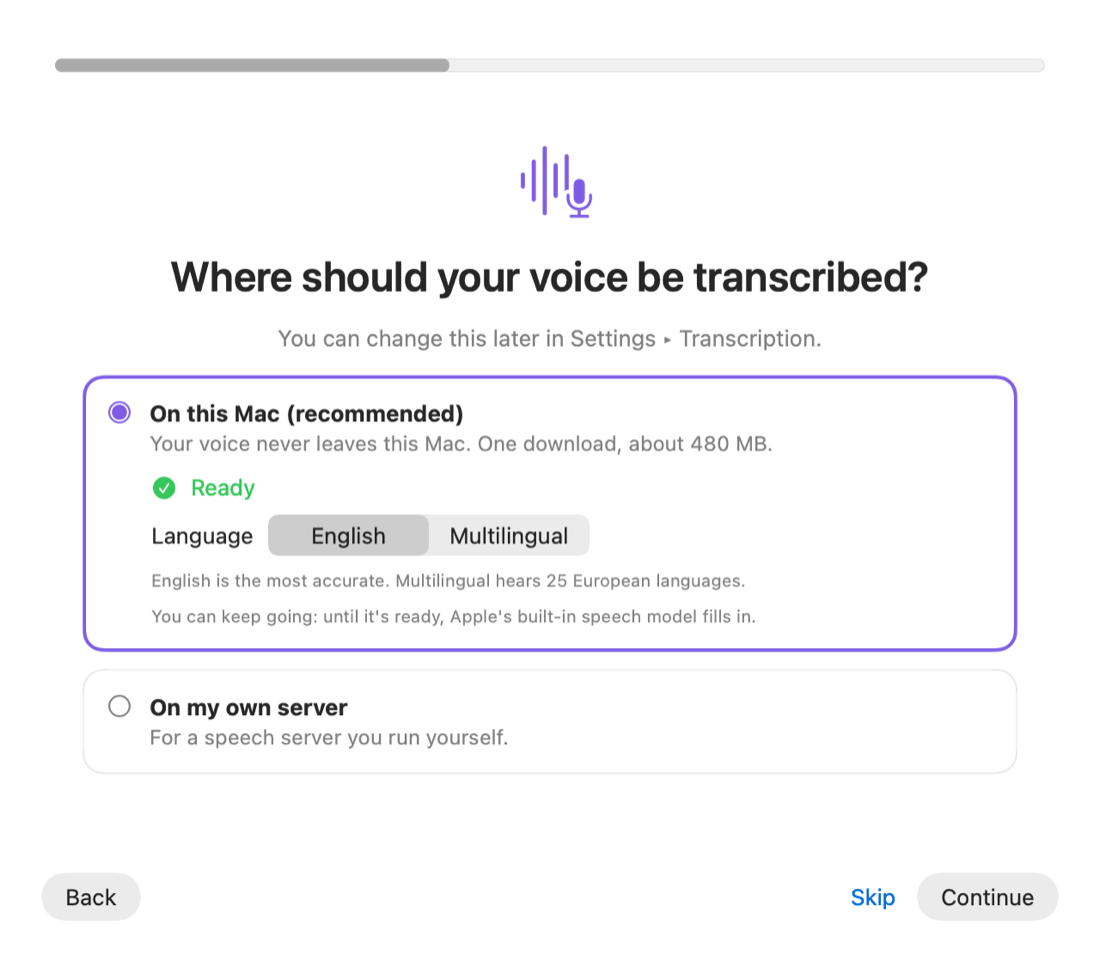
Speech is transcribed on your Mac. Nothing is sent anywhere unless you choose a server of your own.
Each sentence is transcribed as you finish it, so the text is there a moment after you let go.
Ums, stutters and repeats come out. Spacing and capitals fit the text around the cursor.
If the text can't be typed it is copied, and every dictation is kept in History with its recording.
"Change Tuesday to Wednesday" edits what Vox just typed. Hold right ⌥ and say "open Safari" or "left half".
Use the model on your Mac, a speech server you host, and any AI service you have a key for. A dictionary learns your names and jargon.